
Upload Target Management
Last update:2025-11-13 18:11:30
This article provides guidance on how to manage upload targets.
Prerequisites
You have already created an upload target. For details, see: Create Upload Target.
Access the Upload Target Management Page
- Access the Log Service Platform.
- Click Upload Target Management in the navigation bar.

Upload Target Management
The list displays all created upload targets. You can use Search or Header Filter to locate the desired upload target.
1. Edit
In the operation column of Upload Target Management, select the Edit action.

After clicking, you will enter the upload target editing page.
For created upload targets, some information cannot be edited. Please follow the page instructions.
2. Delete
In the action column of the upload target management, select the Delete operation.

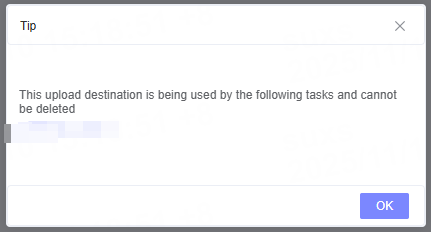
If the upload target is currently in use, it cannot be deleted to avoid affecting the data upload tasks.
Related Articles
Is the content of this document helpful to you?
Yes
I have suggestion