
Monitor
최신 업데이트:2026-01-04 09:54:36
The monitoring module provides monitoring reports for all tasks, including data ingestion and data consumption.
This article introduces how to view monitoring reports.
Prerequisites
- You have already integrated logs. For details, see: Create Log Library.
- You have created a consumption task. For details, see: Data Upload, Data Download, and Dashboard.
Access Monitoring Page
- Go to the Log Service Platform.
- Click Monitor in the navigation bar.

View Monitoring Reports
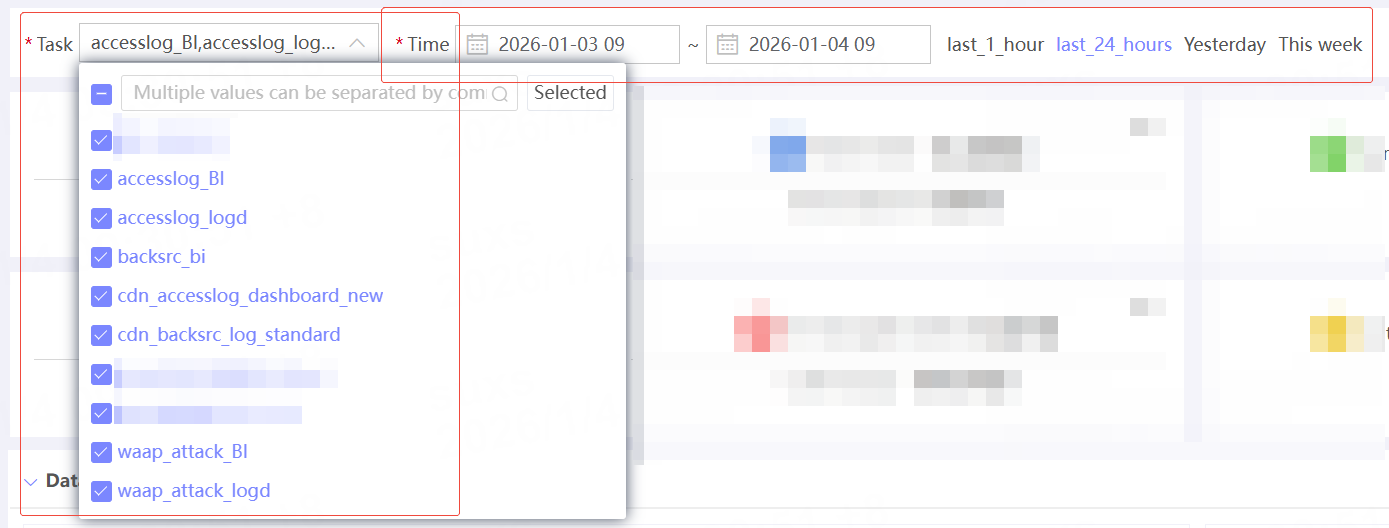
Specify Monitoring Task and Monitoring Time
| Name | Description |
|---|---|
| Task | Select the task to be monitored |
| Time | Select the monitoring time range |
After specifying the task and time, click the Query button to view the report data.
View report content
| Content | Description |
|---|---|
 |
Key metrics data. |
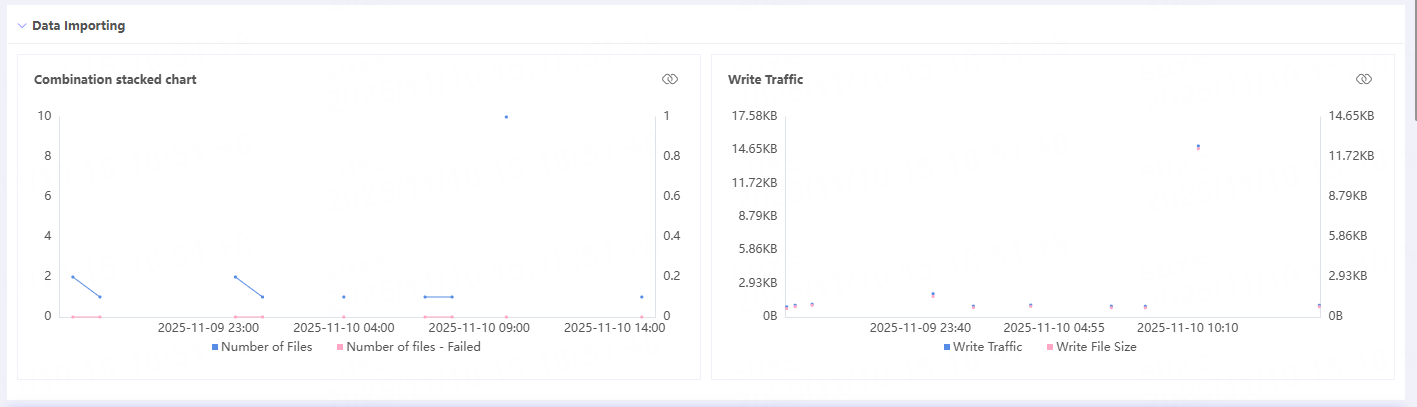 |
Data access status. |
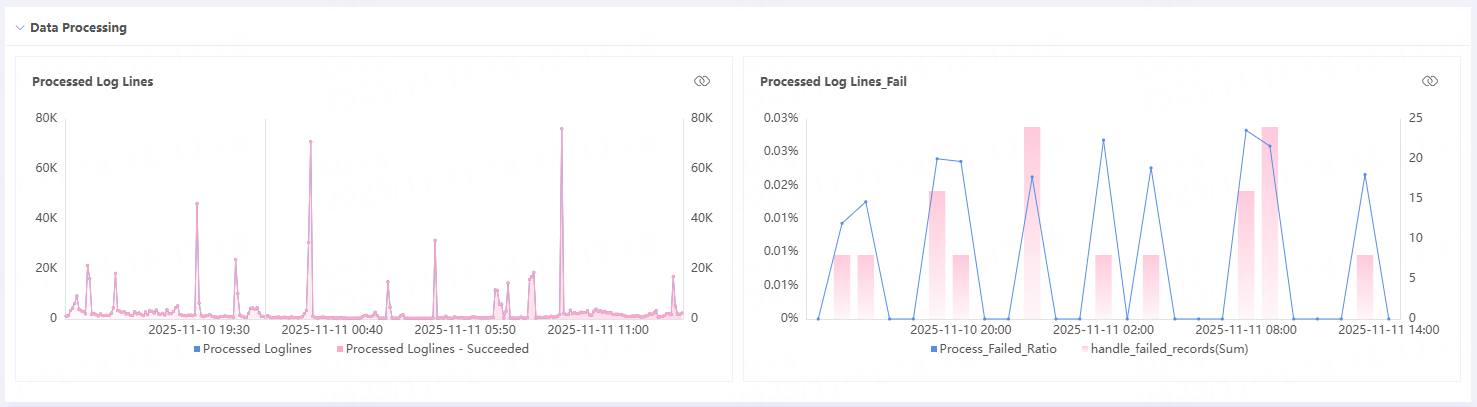 |
Log processing status. |
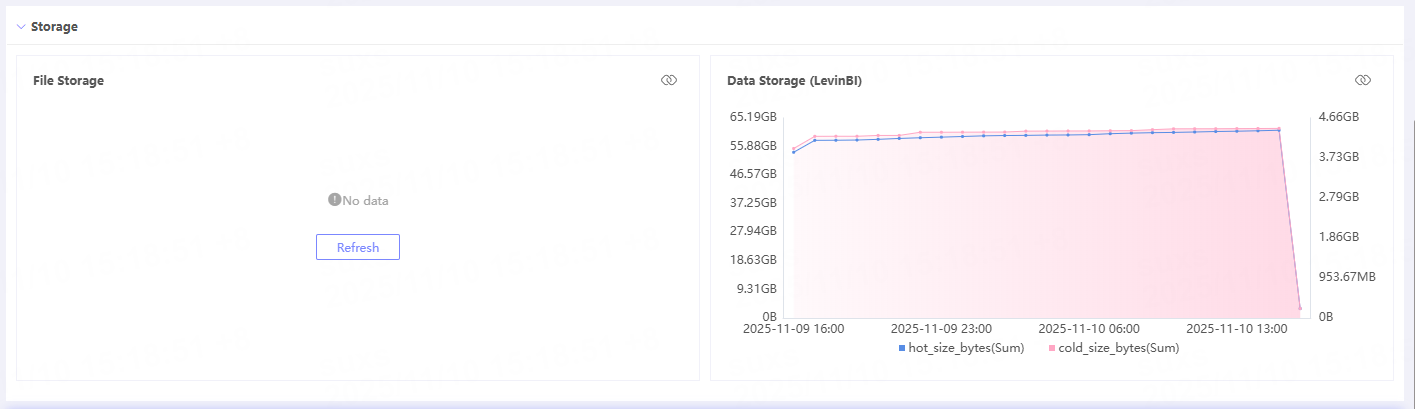 |
Log storage status. |
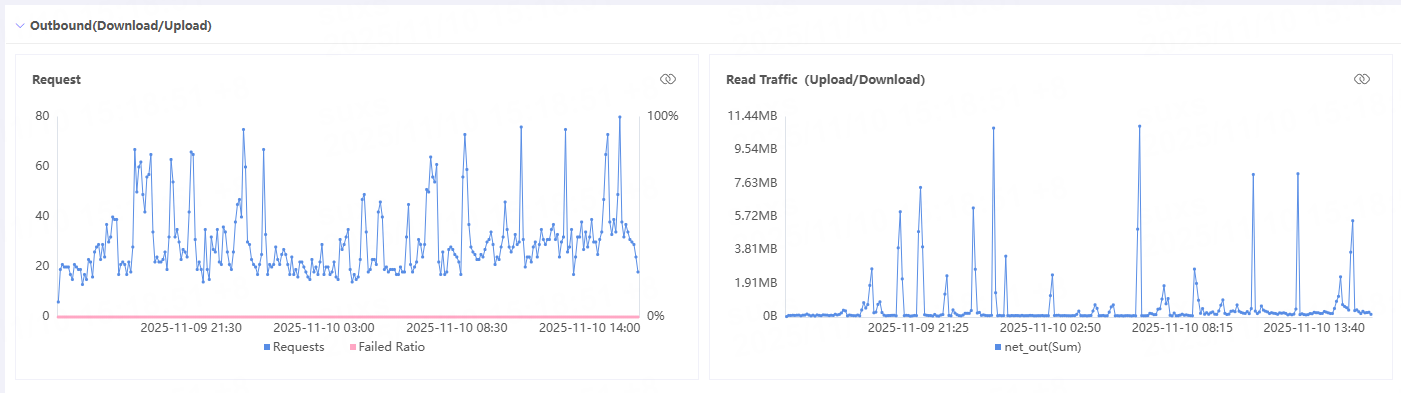 |
External network read status. |
Related Articles
이 문서의 내용이 도움이 되었습니까?
예
아니오