Why is Access Still Not Authorized
Last update:2026-03-25 15:14:51
1. If the interface displays a message indicating that you have not obtained access permission (as shown below)
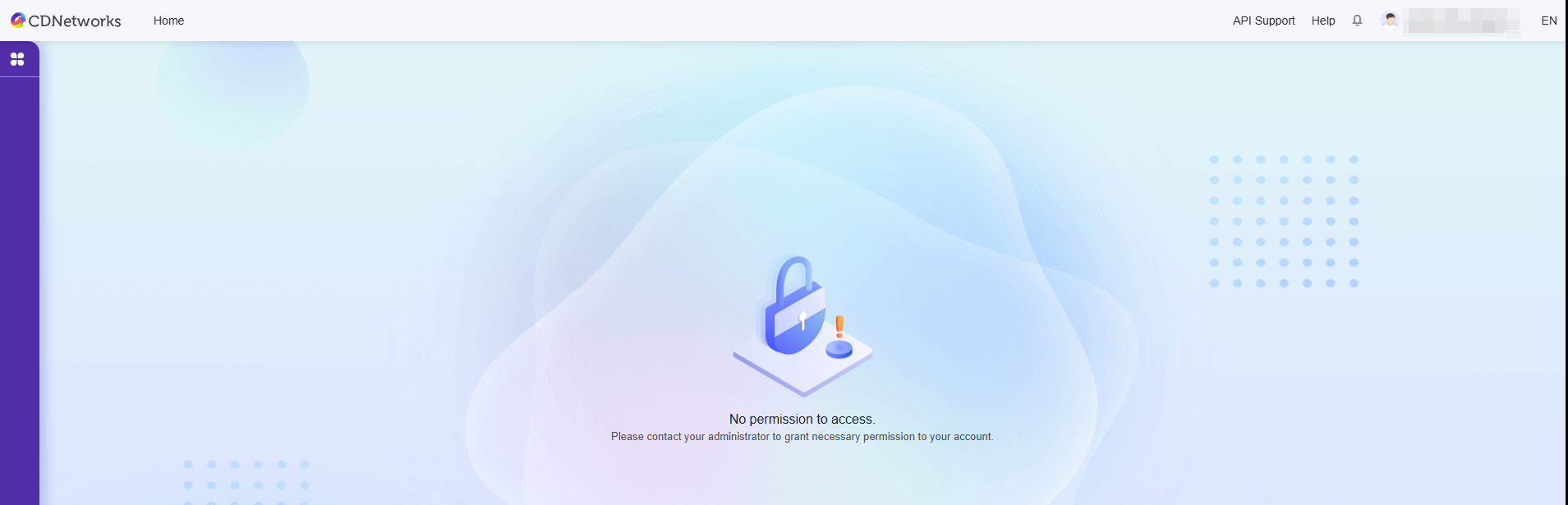
Please confirm whether the permission Policy of the sub-user is correct.
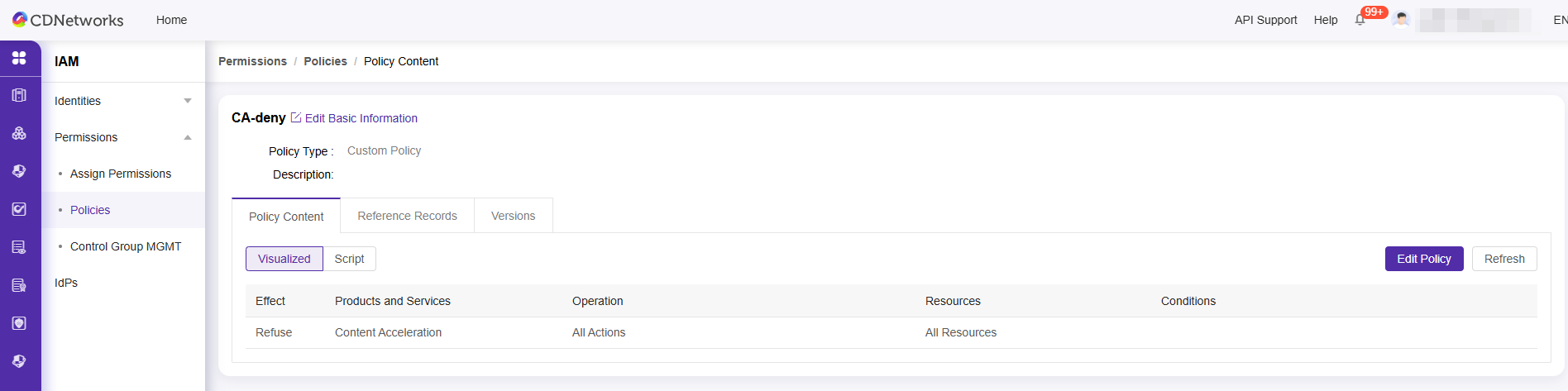
Please check whether the authorization Policy contains a rule whose permission effect is deny (deny). For example, if a sub-user has the Content Acceleration read-only permission Policy WSACCAReadOnly, but if it also has the following permission Policy, according to the deny priority principle of IAM, the IAM user will not have the permission in the following Policy.
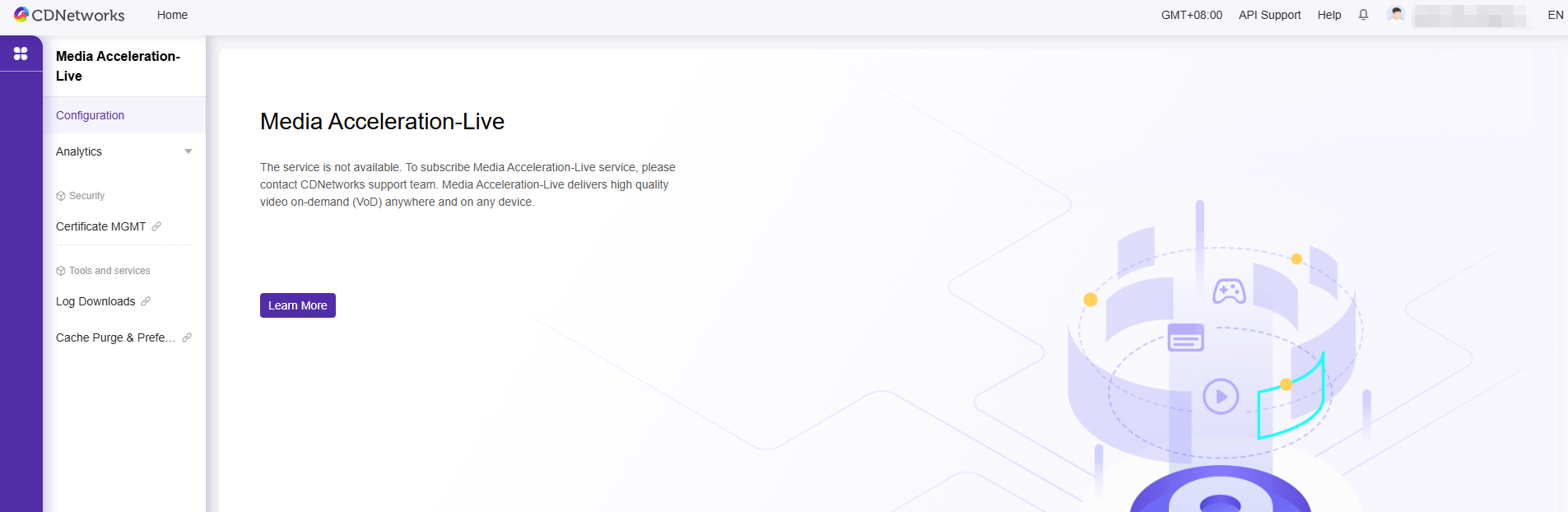
2. If the Product introduction appears on the interface (as shown in the figure below), but you cannot perform operations on it, please confirm whether you have authorized the corresponding object of the Product to the sub-user (such as CDN Products, you need to Authoritative domain name to the sub-user before the sub-user can use the Product, and the authorization is expected to take effect after 15 minute(s))