
FAQs about IDP Configuration
Last update:2026-03-25 15:14:53
This article describes some issues you might encounter when configuring an identity provider.
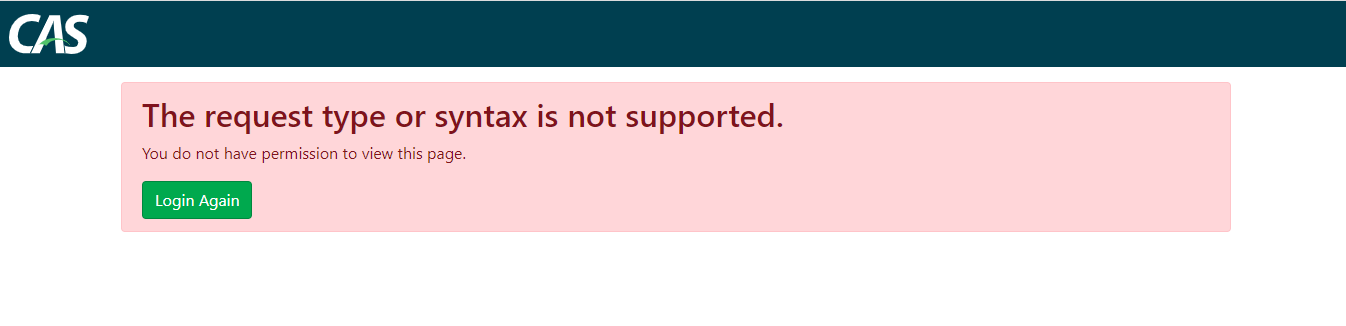
1. Why is the error “The request type or syntax is not supported” reported?
If the error “The request type or syntax is not supported” appears, it means that the Recipient address under the Subject in your SSO response may be configured incorrectly. Note that CDNetwork checks the value of the Recipient element to ensure that CDNetwork is the target recipient of the assertion. The value must be:
Recipient="https://login.cdnetworks.com/cas/login?client_name=${provider}"
2. Please pay attention to the accuracy of the following Configuration Item
If the following screenshot error appears, please check whether the Configuration Item are correct:
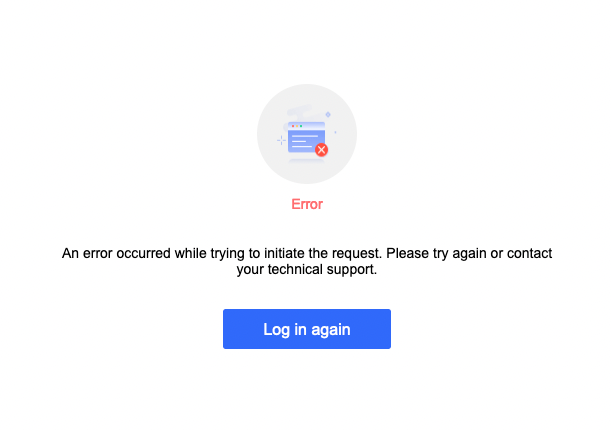
- Please confirm that the certificate content Certificate in the uploaded IDP metadata is consistent with the site certificate content Location=“https://login.cdnetworks.com/cas/login?client_name=${provider}”. If the certificate content is inconsistent, the login will fail;
- Make sure the address redirected from the identity provider is configured as: https://login.cdnetworks.com/cas/clientredirect?client_name=${provider}. The specific address can be copied from the console.

Is the content of this document helpful to you?
Yes
I have suggestion