Manage Multi-Factor Authentication for Sub-Accounts
Last update:2026-03-19 14:46:55
How to Manage Multi-Factor Authentication for Sub-Accounts
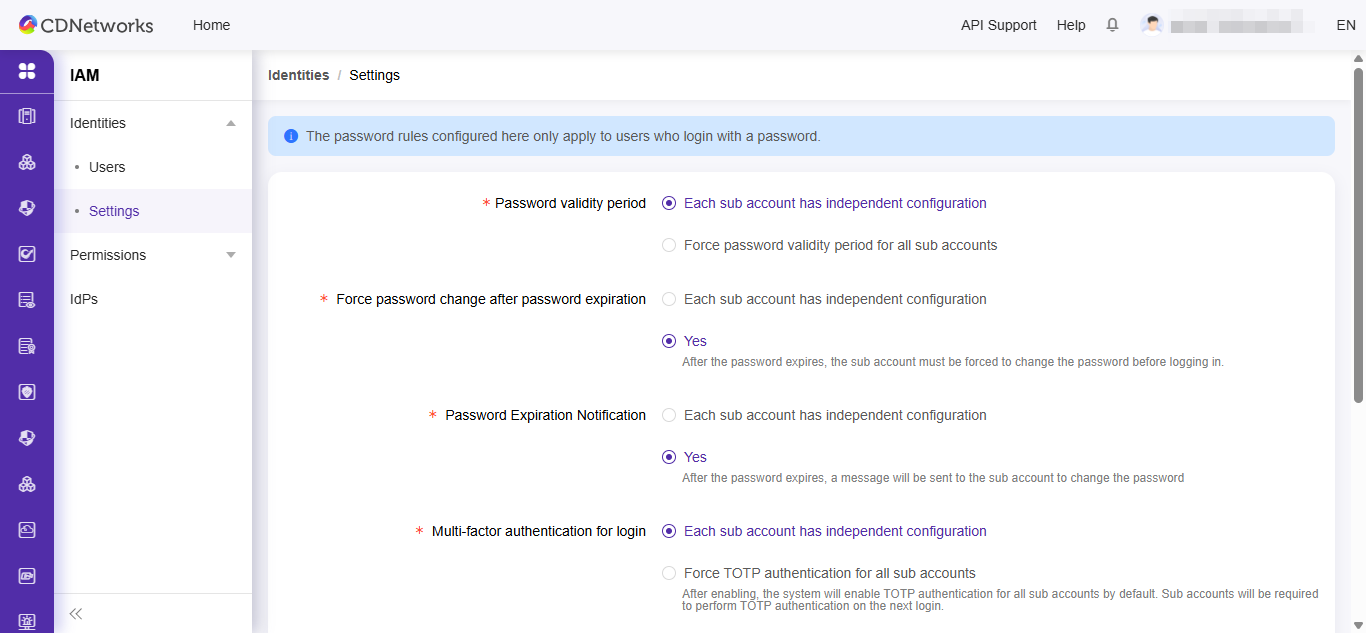
The main account logs in to the console, navigates to Access Control–> User Management–> Settings, and configures the required method for enabling multi-factor authentication for sub-accounts as needed.
Configure Independently for Each Sub-Account:
Sub-accounts are not forced to enable secondary authentication. Each sub-account can independently choose whether to enable it and select the preferred authentication method.
Force TOTP authentication for All Sub-Accounts:
After enabling, the system will enable TOTP authentication for all sub accounts by default. Sub accounts will be required to perform TOTP authentication on the next login.
Force email verification code authentication for all Sub-Accounts
After enabling, the system will enable the email authentication for all sub accounts by default. Sub account will be required to perform email authentication on the next login.