
Page Overview
Last update:2022-04-21 15:31:14
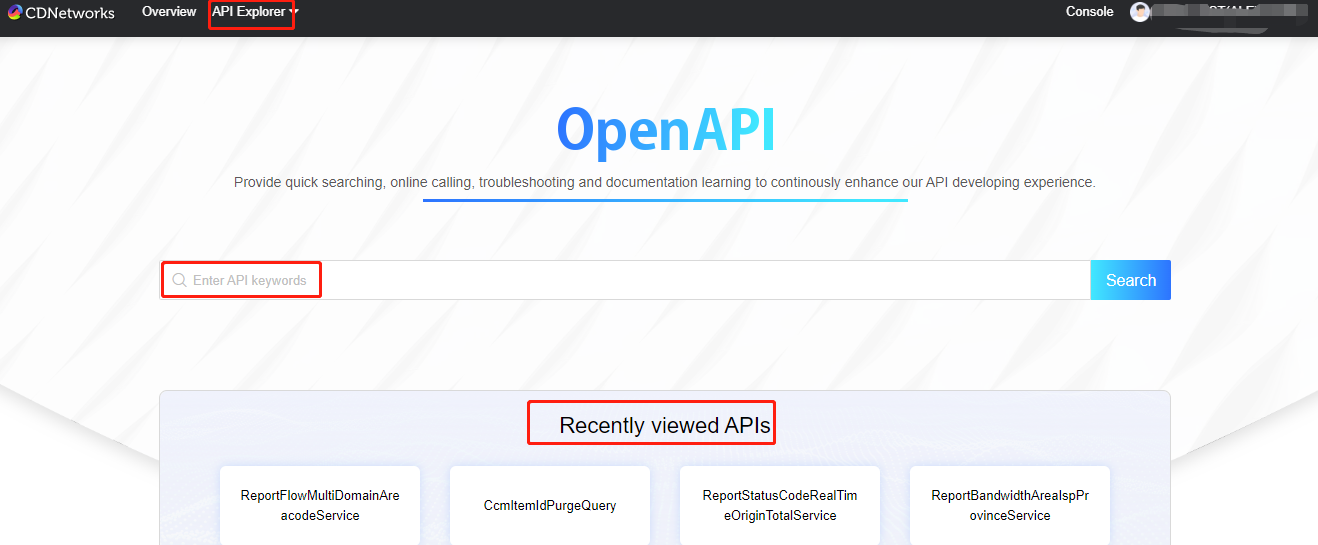
1. Main page:
On main page, users can search the API for all products if user know the name of API. The field under search box lists the latest viewed API, users can enter direct pages from here.
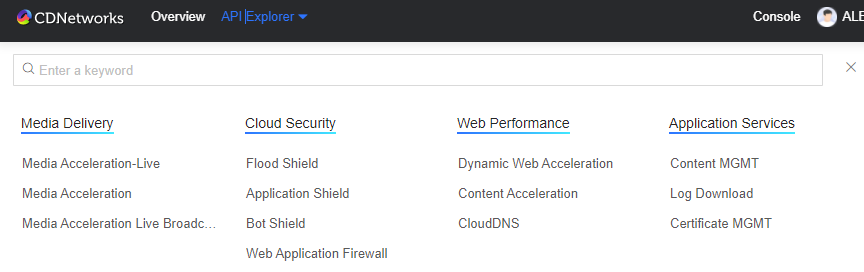
2. Search API by product category:
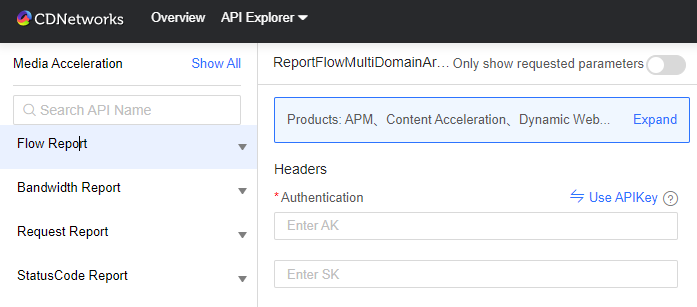
3. Search API by functionality category
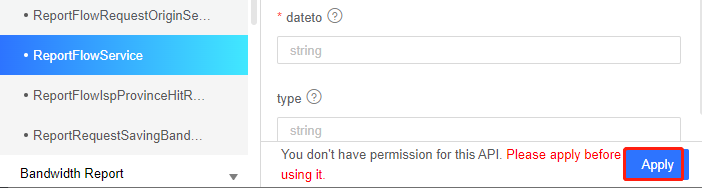
4. Apply for API authority and get immediate approval in few minutes
5. Enter requested parameters to generate sample codes or directly trigger to test.
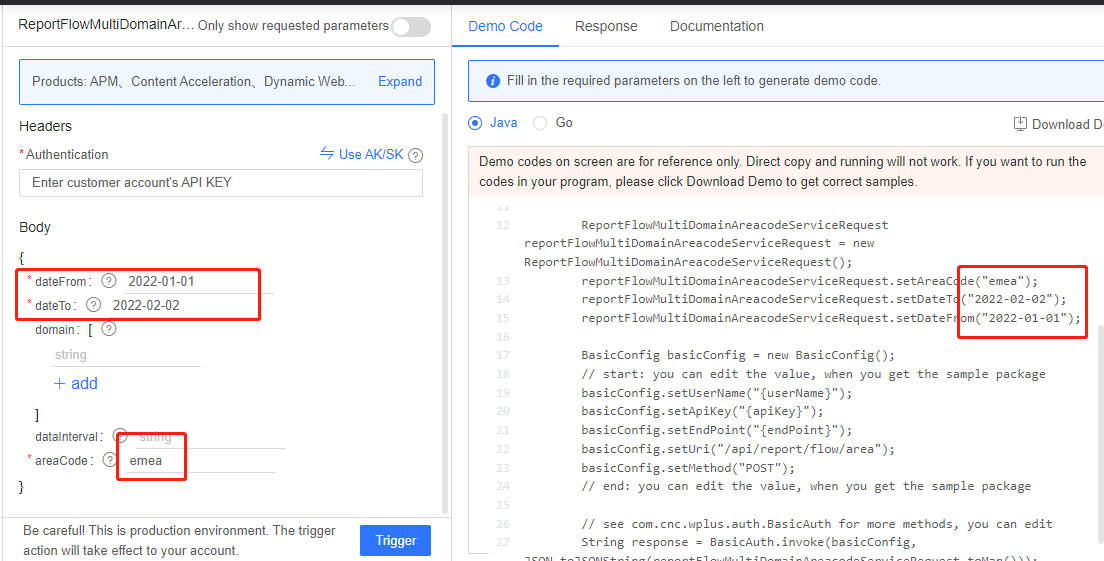
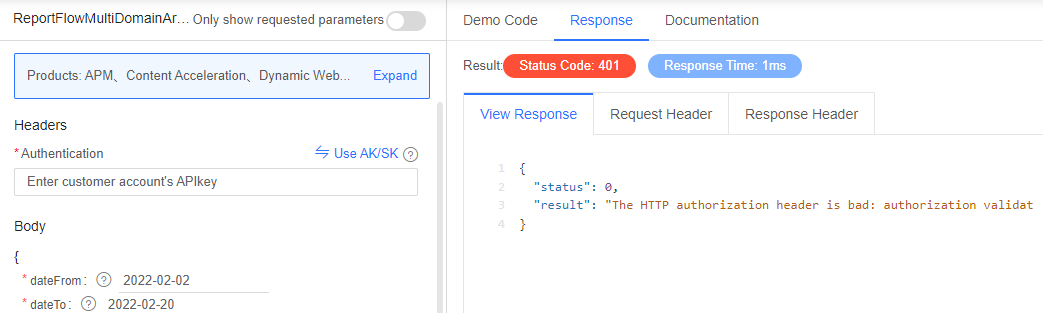
6. Online debugging
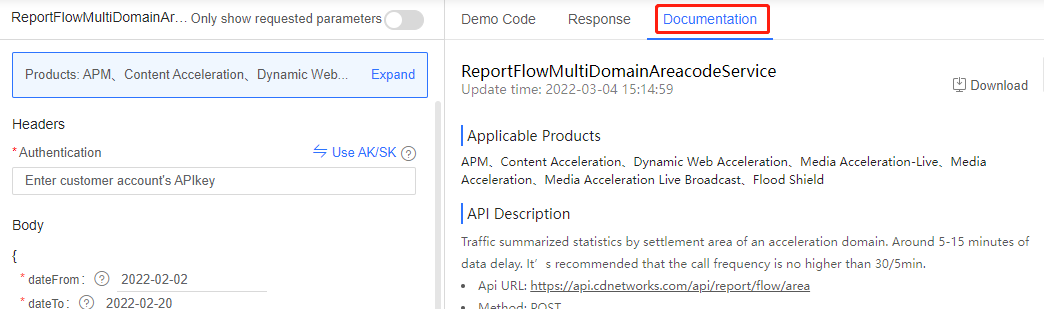
7. Documents for quick learning and debugging
Is the content of this document helpful to you?
Yes
I have suggestion