
Process Video
Last update:2022-10-26 18:54:39
Brief Introduction
Initiate transcoding processing for uploaded videos, support setting transcoding templates, adding watermarks, and adding subtitles.
Instructions
1 Initiate transcoding
-
In the video management list, initiate processing for the specified video, and support settings: transcoding combination, subtitles, and watermark.
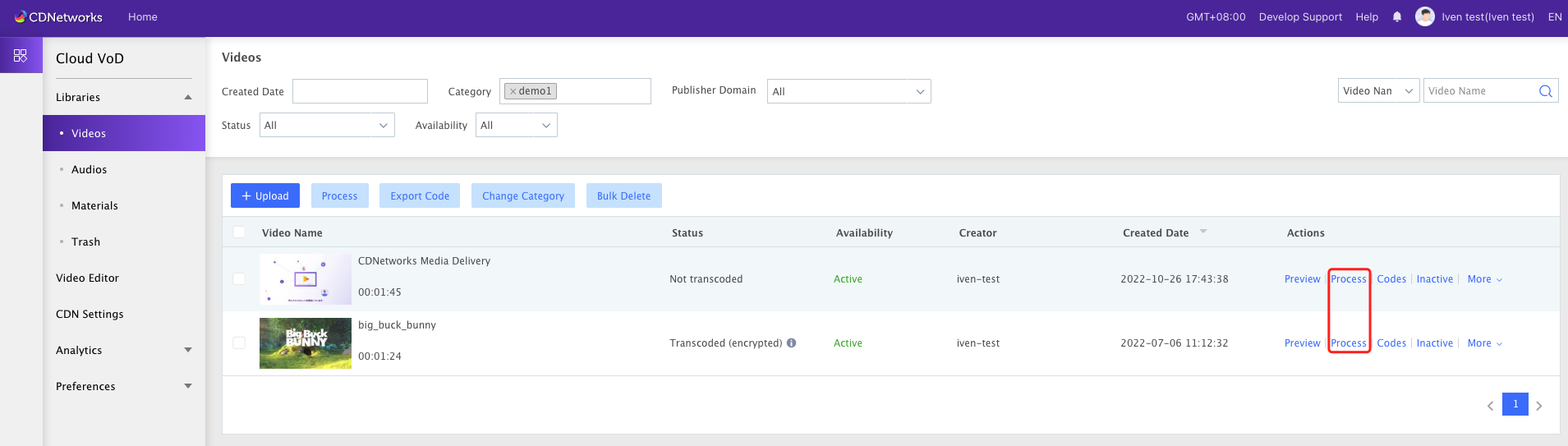
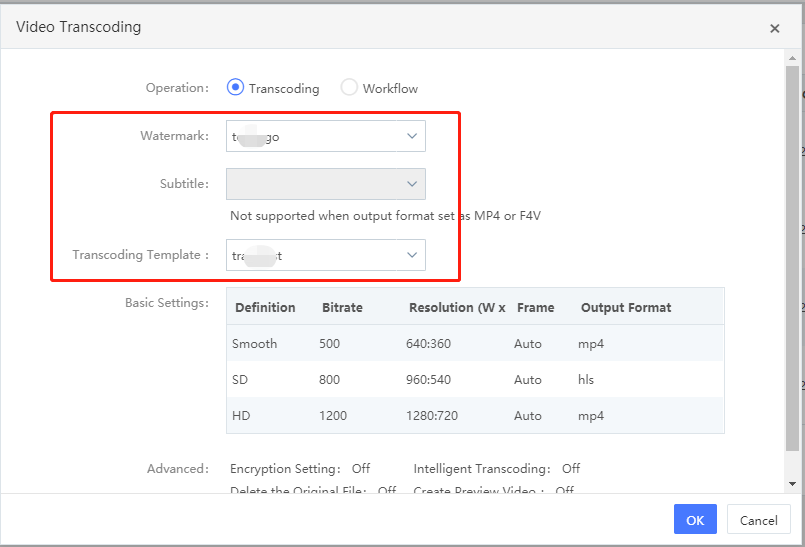
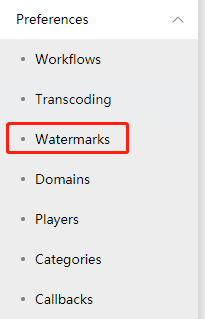
- Watermark setting: It is necessary to set the watermark template in Preference -> Watermarks in advance.
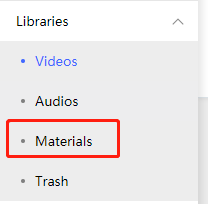
- Subtitles: The subtitle files need to be uploaded to Libraries -> Materials in advance, and the supported formats include srt and ass.
- Transcoding combination: It is necessary to set the transcoding template in Preference -> Transcoding in advance.
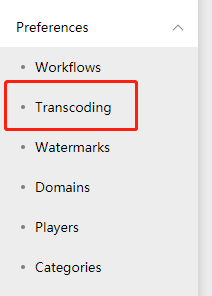
- Watermark setting: It is necessary to set the watermark template in Preference -> Watermarks in advance.
-
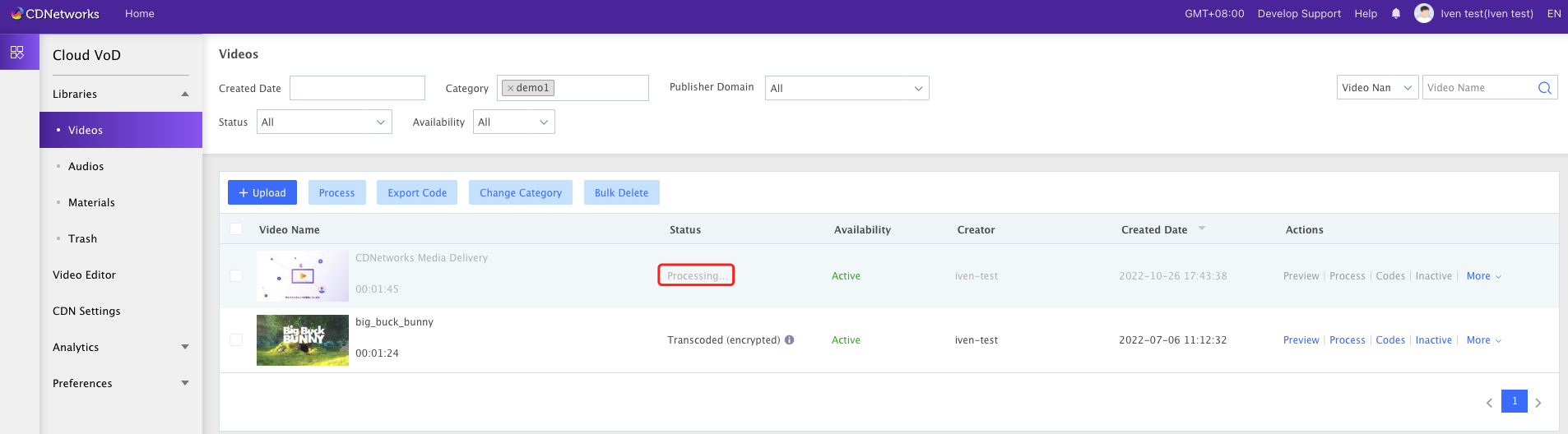
After clicking confirm, the video state will enter the “processing” state
-
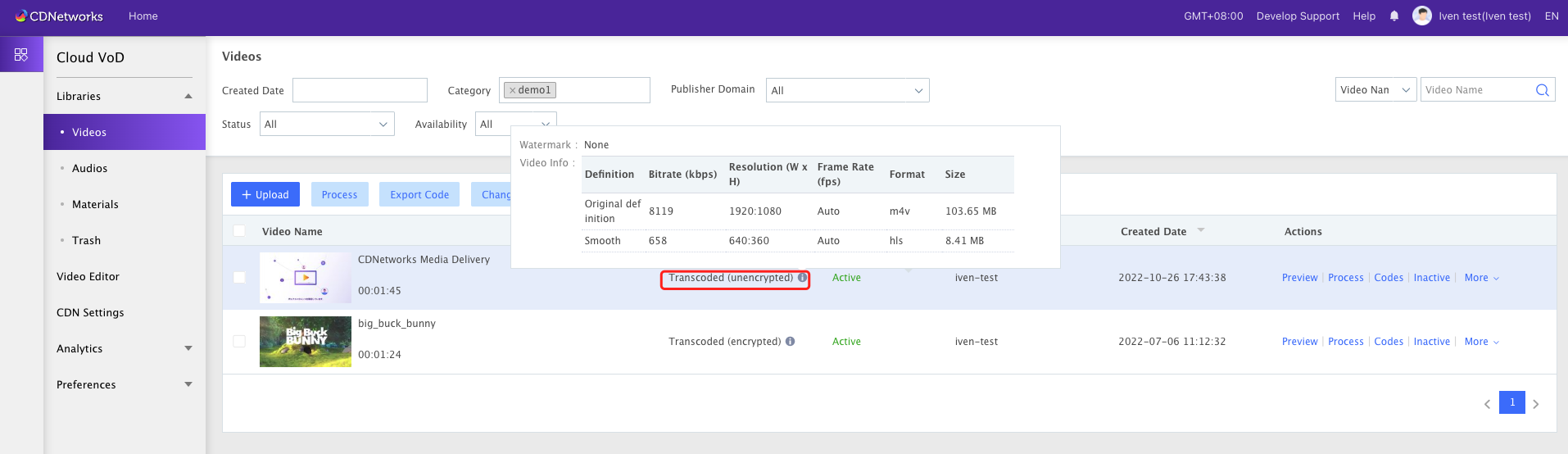
The results after processing are as follows:
2 Initiate a workflow
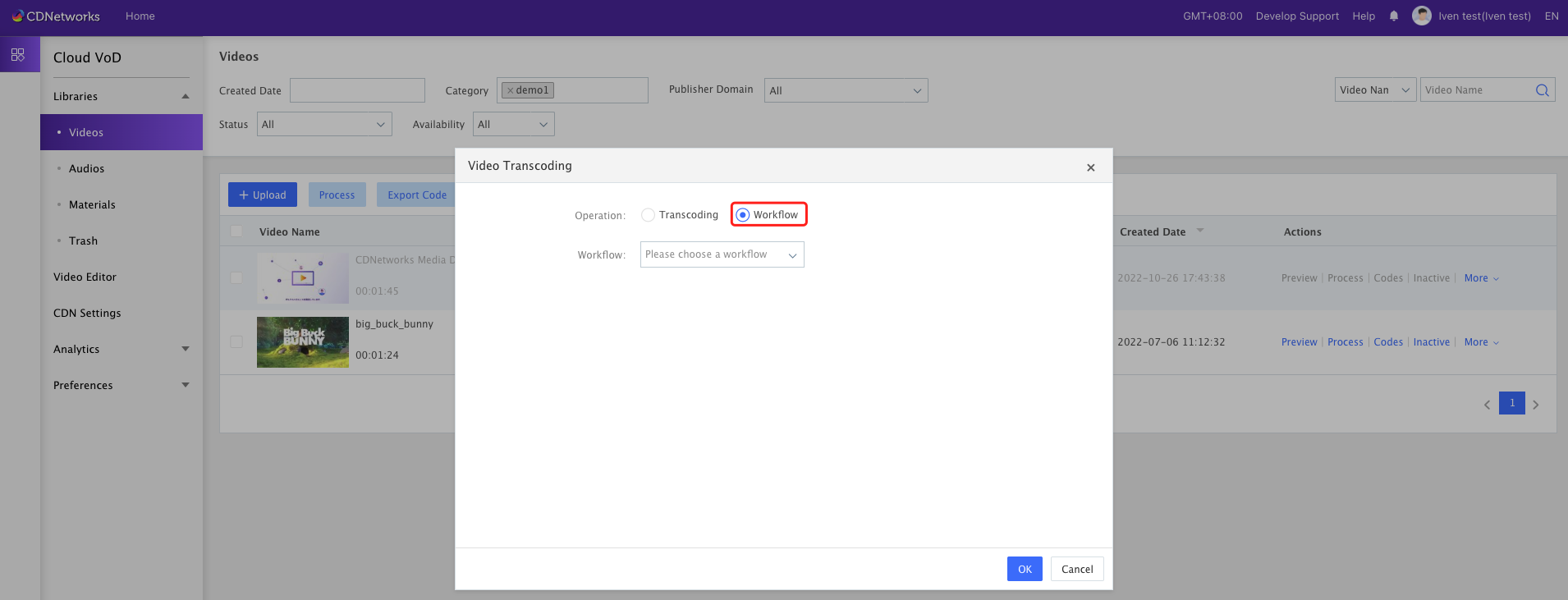
Support to initiate a workflow. For specific workflow configuration, please refer to Console guide for Cloud VOD - Preference -Workflows.
Is the content of this document helpful to you?
Yes
I have suggestion