
Registered Email Modification
Last update:2025-03-05 18:04:54
-
Entrance
Account Management → Security Setting → Registered Email Modification
-
Introduction
The Registered Email Modification offers you to change the email address of your login account on CDNetworks Console.
-
Procedure
- Select “Registered Email” to change the email address
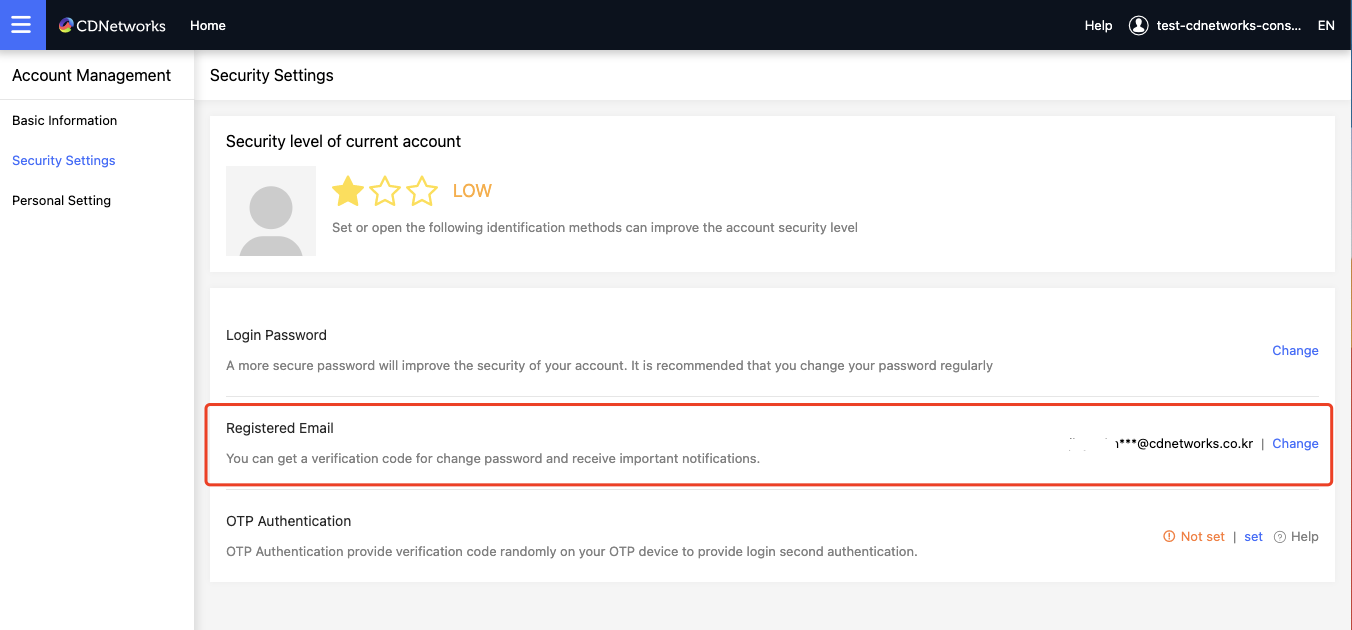
- Click change alternate email to enter the identity verification method selection page;
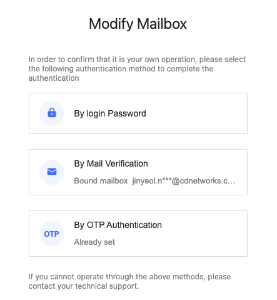
- Click change alternate email to enter the identity verification method selection page;
- Select the identity verification method, such as by mail verification to enter the identity verification page;
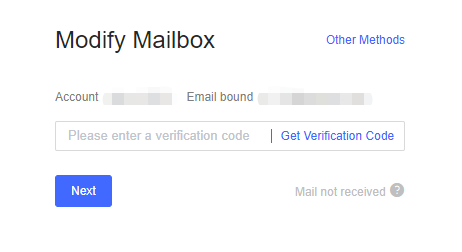
- After the identity verification is completed, enter new mailbox setting page;
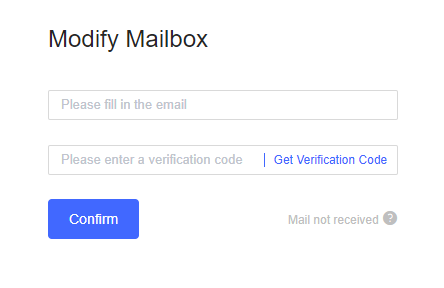
- Click [Confirm].
Is the content of this document helpful to you?
Yes
I have suggestion