ログインパスワードの変更

最終更新日:2025-03-05 18:04:47

ログインパスワードの変更

エントランス紹介

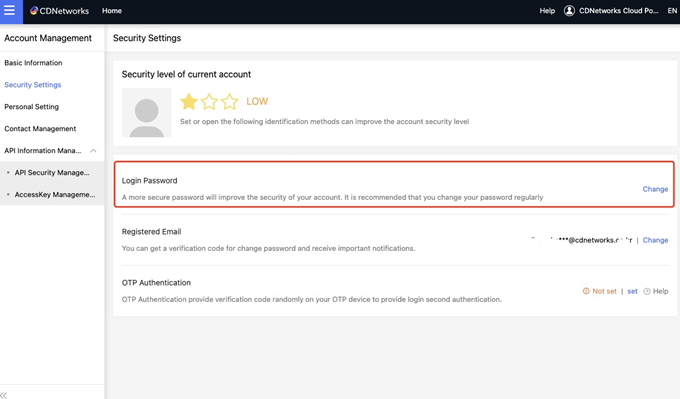
アカウント管理 → セキュリティ設定 → ログインパスワード

はじめに

[ログインパスワード]では、CDNetworksコンソールにログインする際のパスワードを変更することができます。
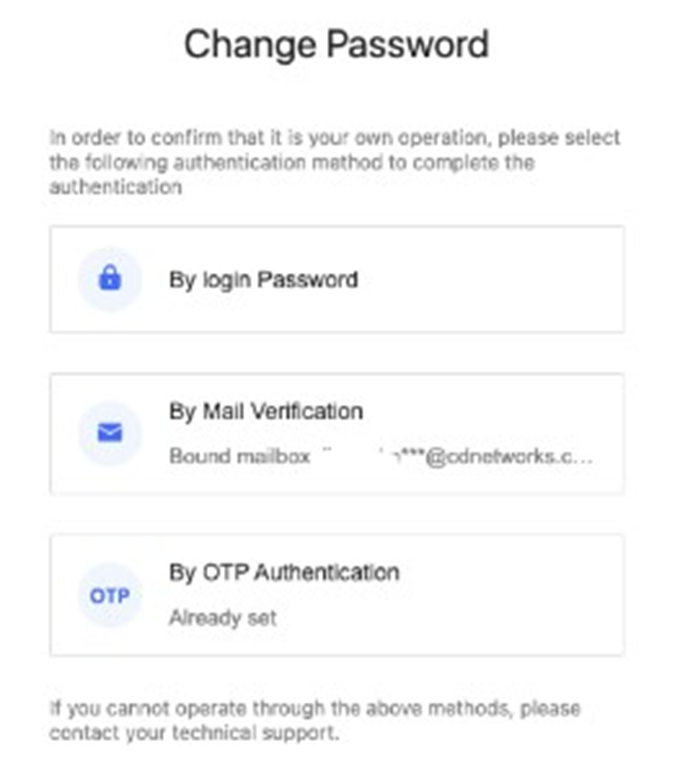
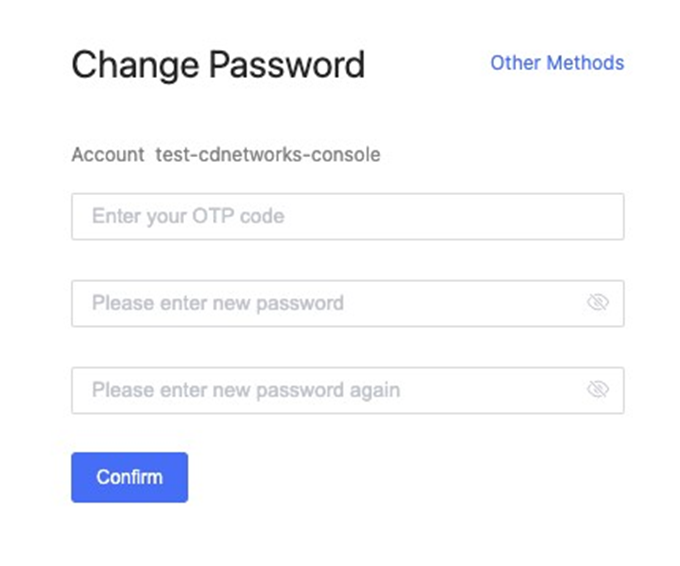
パスワードの変更には[パスワード]、[認証コードによるメール検証]、[OTP認証]の3つの方法があります。

やり方

【Feature Launch】Release Announcement for “Reminders for Domains without Access Control” and ”Bandwidth Anomaly Alerts” for Live Streaming Products

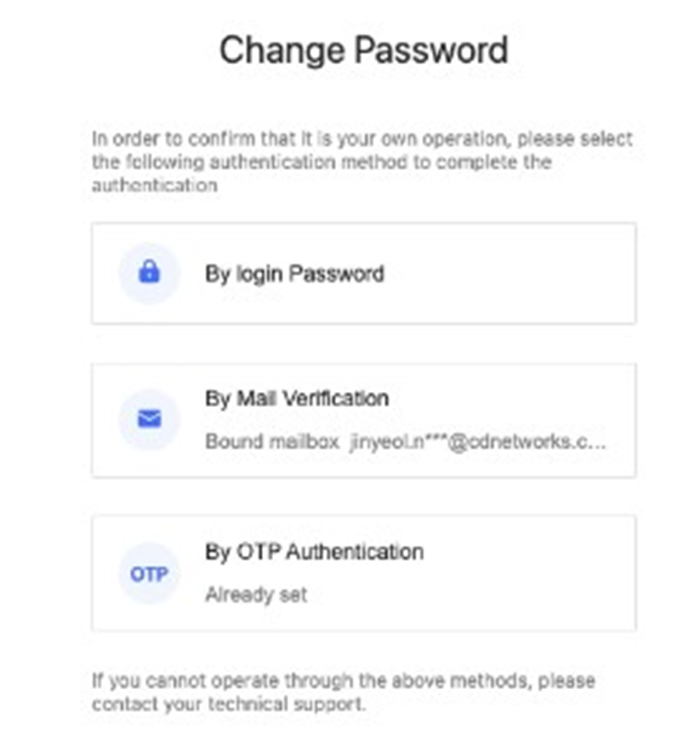
[パスワードの変更]をクリックすると、本人検証方法の選択ページが表示されます。

【Feature Launch】Release Announcement for “Reminders for Domains without Access Control” and ”Bandwidth Anomaly Alerts” for Live Streaming Products

以下の3つの方法で本人検証をすることができます。

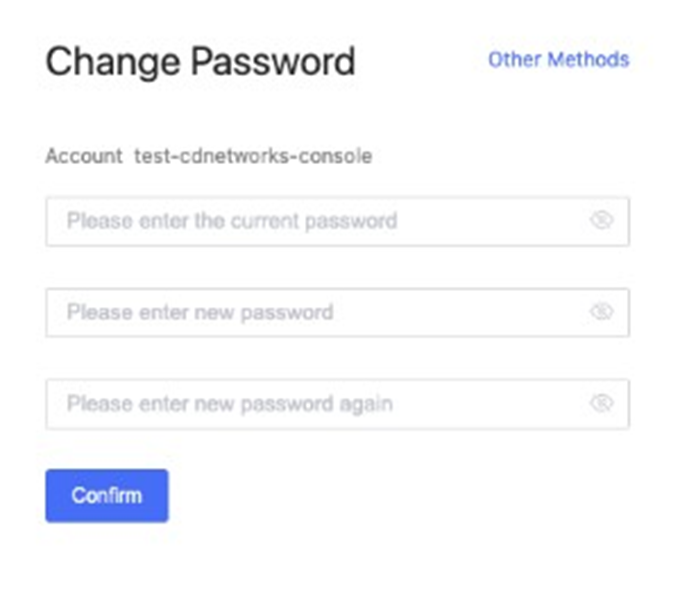
  • パスワード

【Feature Launch】Release Announcement for “Reminders for Domains without Access Control” and ”Bandwidth Anomaly Alerts” for Live Streaming Products

  • メール検証

【Feature Launch】Release Announcement for “Reminders for Domains without Access Control” and ”Bandwidth Anomaly Alerts” for Live Streaming Products

  • OTP認証

【Feature Launch】Release Announcement for “Reminders for Domains without Access Control” and ”Bandwidth Anomaly Alerts” for Live Streaming Products

[確認]をクリックすると、パスワードの変更が完了します。