
Alert Logs
最終更新日:2026-03-19 10:29:33
You can view the alert history of configured alert rules and check whether alert have been cleared.
View Alert Logs for a Single Rule
Navigate to Cloud Monitor > Event Monitor > Alert Rules. Click the Alert Logs button on the right side of the desired alert rule to view the detail logs for that rule.

View Alert Logs for All Rules
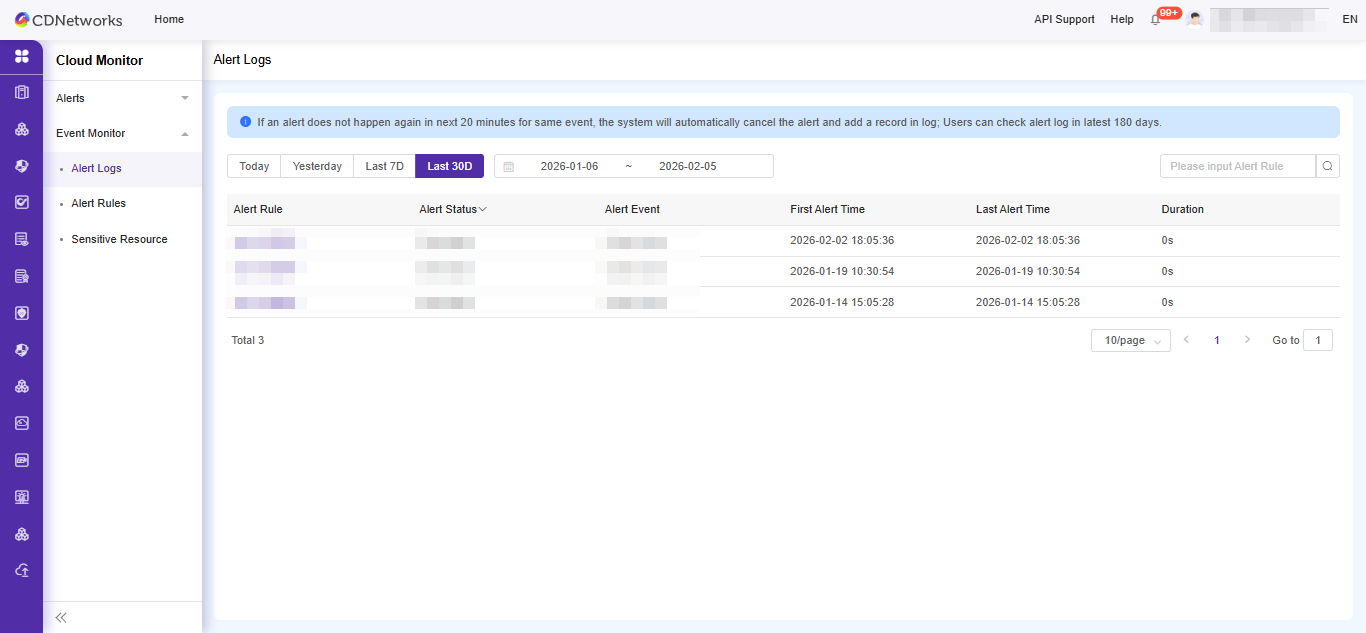
To view the alert history of all rules, go to Cloud Monitor > Event Monitor > Alert Logs. This page displays the history for all alert rules. You can filter event alerts by specifying the desired time range in the query conditions.
Note: To view detailed information for a specific event, it is recommended to access Action Trail. Here, you can query specific events, operation resources, timestamps, and other relevant details.
このドキュメントの内容は役に立ちましたか?
はい
いいえ