
Page Overview
更新时间:2022-04-21 15:31:14
1. Main page:
On main page, users can search the API for all products if user know the name of API. The field under search box lists the latest viewed API, users can enter direct pages from here.
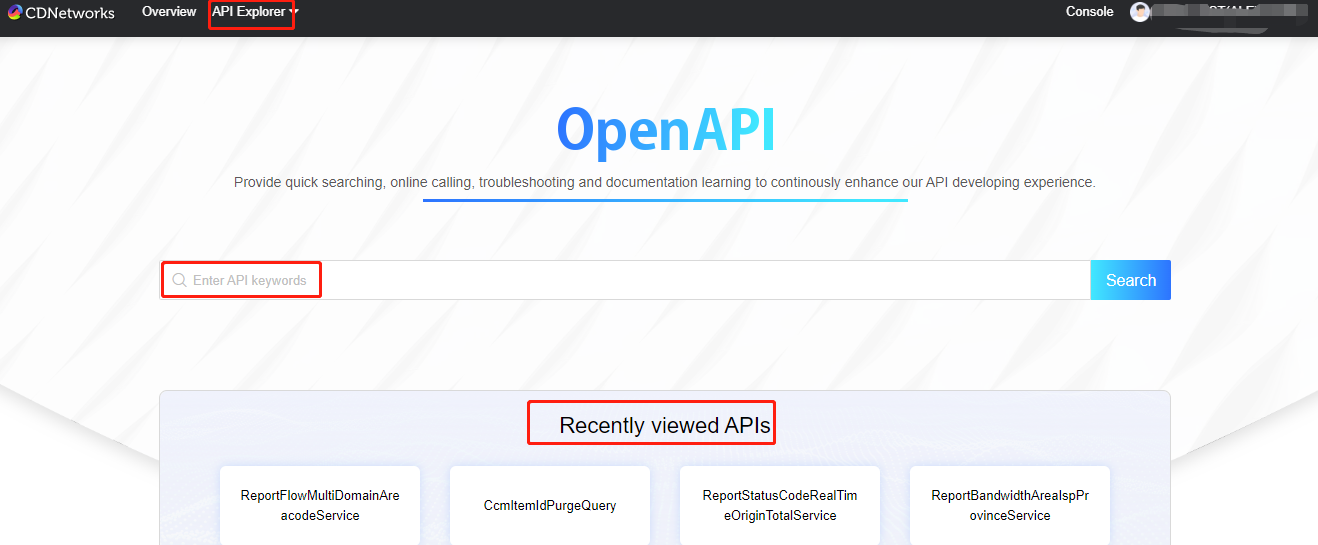
2. Search API by product category:
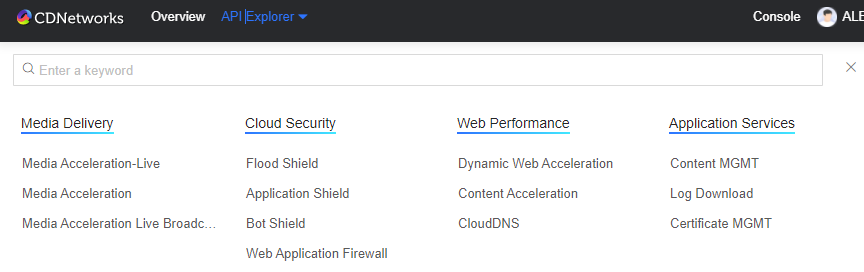
3. Search API by functionality category
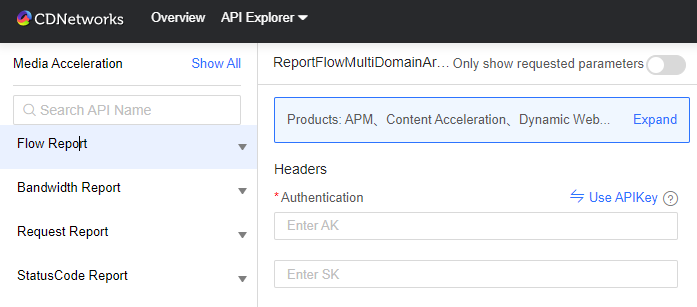
4. Apply for API authority and get immediate approval in few minutes
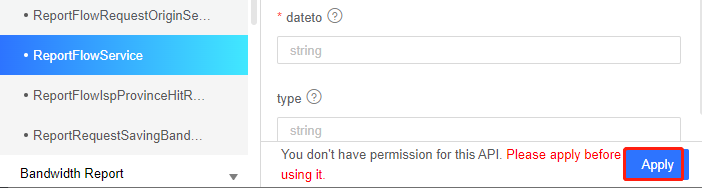
5. Enter requested parameters to generate sample codes or directly trigger to test.
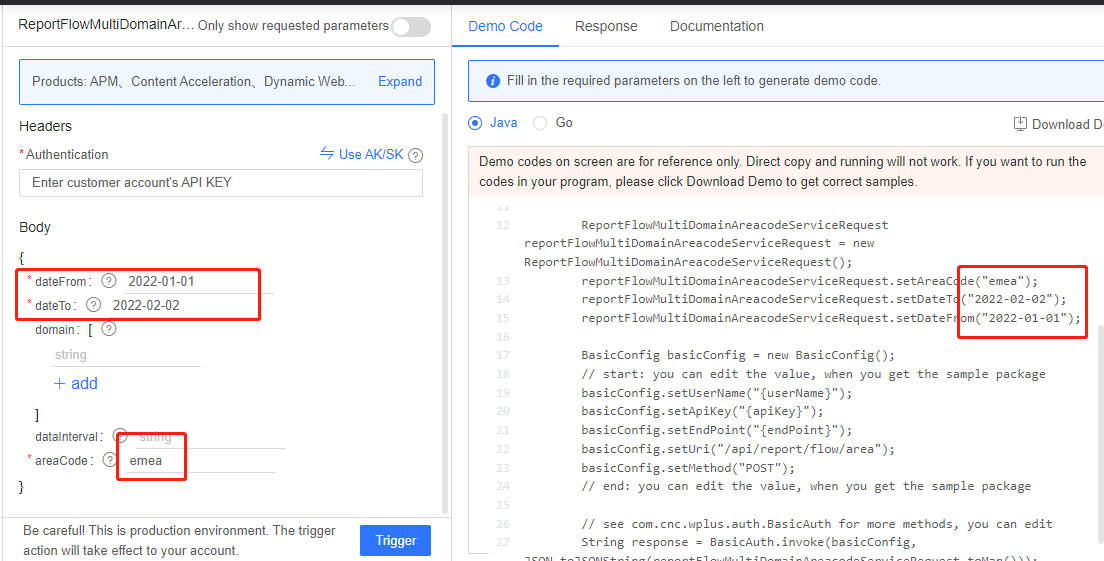
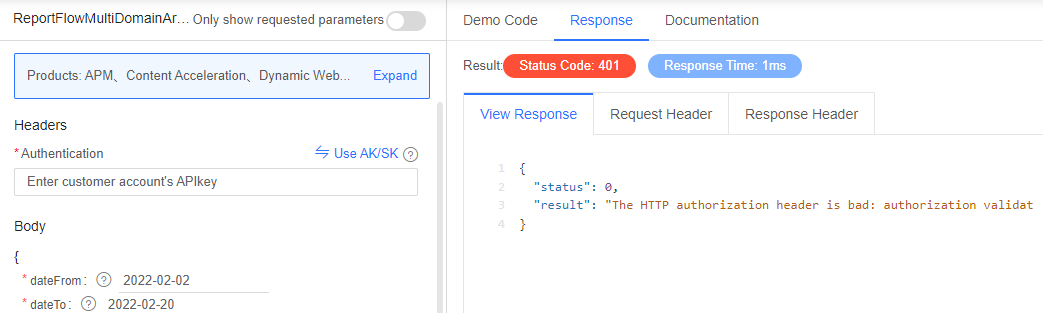
6. Online debugging
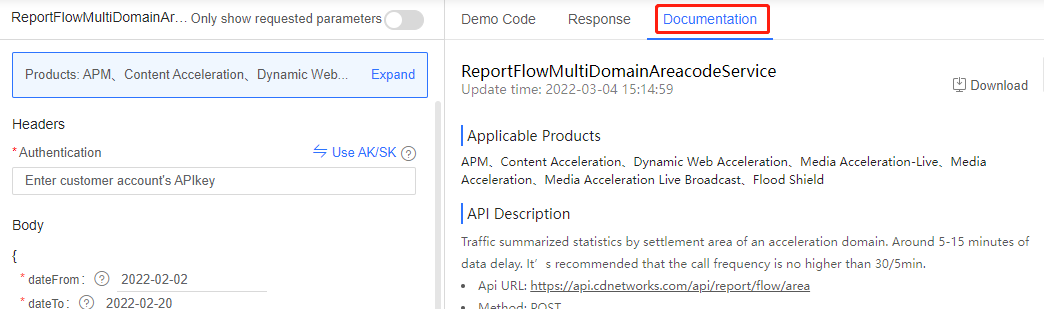
7. Documents for quick learning and debugging
本篇文档内容对您是否有帮助?
有帮助
我要反馈